

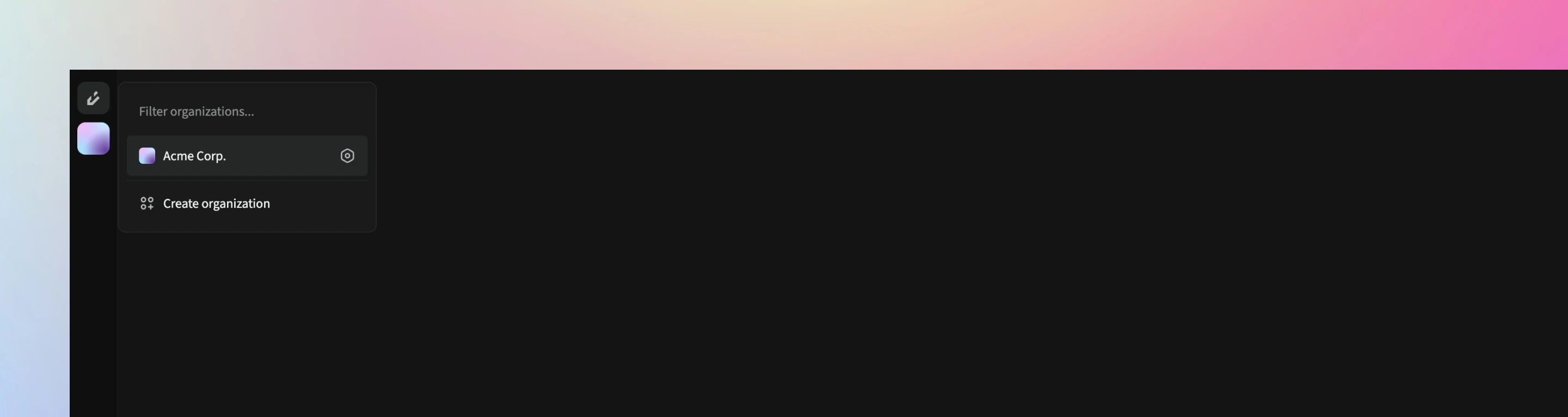
Organization Overview
In the Overview section of the organization settings, you can update:- Organization logo
- Unique name
- Organization name
- Description
Organization Deletion
On the organization delete page, you can permanently delete the organization. Once deleted, this action cannot be reversed.Deleted data is retained for up to 30 days. If you accidentally delete an organization, contact the Orbivon support team immediately.