> ## Documentation Index
> Fetch the complete documentation index at: https://docs.orbivon.com/llms.txt
> Use this file to discover all available pages before exploring further.
# Project Settings
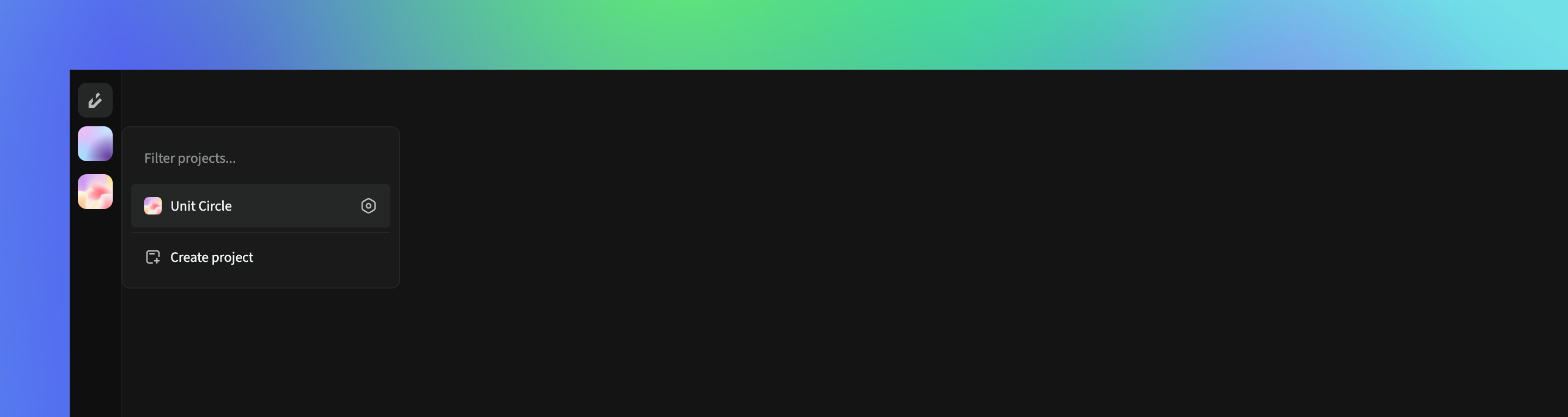
To access a project’s settings:
1. Open the project.
2. In the Project Selector Menu, click the **Settings** icon.
 ## Project Overview
In the **Overview** section of the settings, you can update:
* Project logo
* Unique name
* Project name
* Description
## Project Deletion
In the **Delete Project** section of the settings, you can permanently remove the project.
* Verification is required before deletion.
* Once deleted, this action cannot be undone.
* Deleted data is retained for 30 days. After that, the project is permanently erased.
Deleting a project is irreversible. Make sure you back up any important data before proceeding.
## Project Overview
In the **Overview** section of the settings, you can update:
* Project logo
* Unique name
* Project name
* Description
## Project Deletion
In the **Delete Project** section of the settings, you can permanently remove the project.
* Verification is required before deletion.
* Once deleted, this action cannot be undone.
* Deleted data is retained for 30 days. After that, the project is permanently erased.
Deleting a project is irreversible. Make sure you back up any important data before proceeding.