> ## Documentation Index
> Fetch the complete documentation index at: https://docs.orbivon.com/llms.txt
> Use this file to discover all available pages before exploring further.
# Item Status
There are states for items:
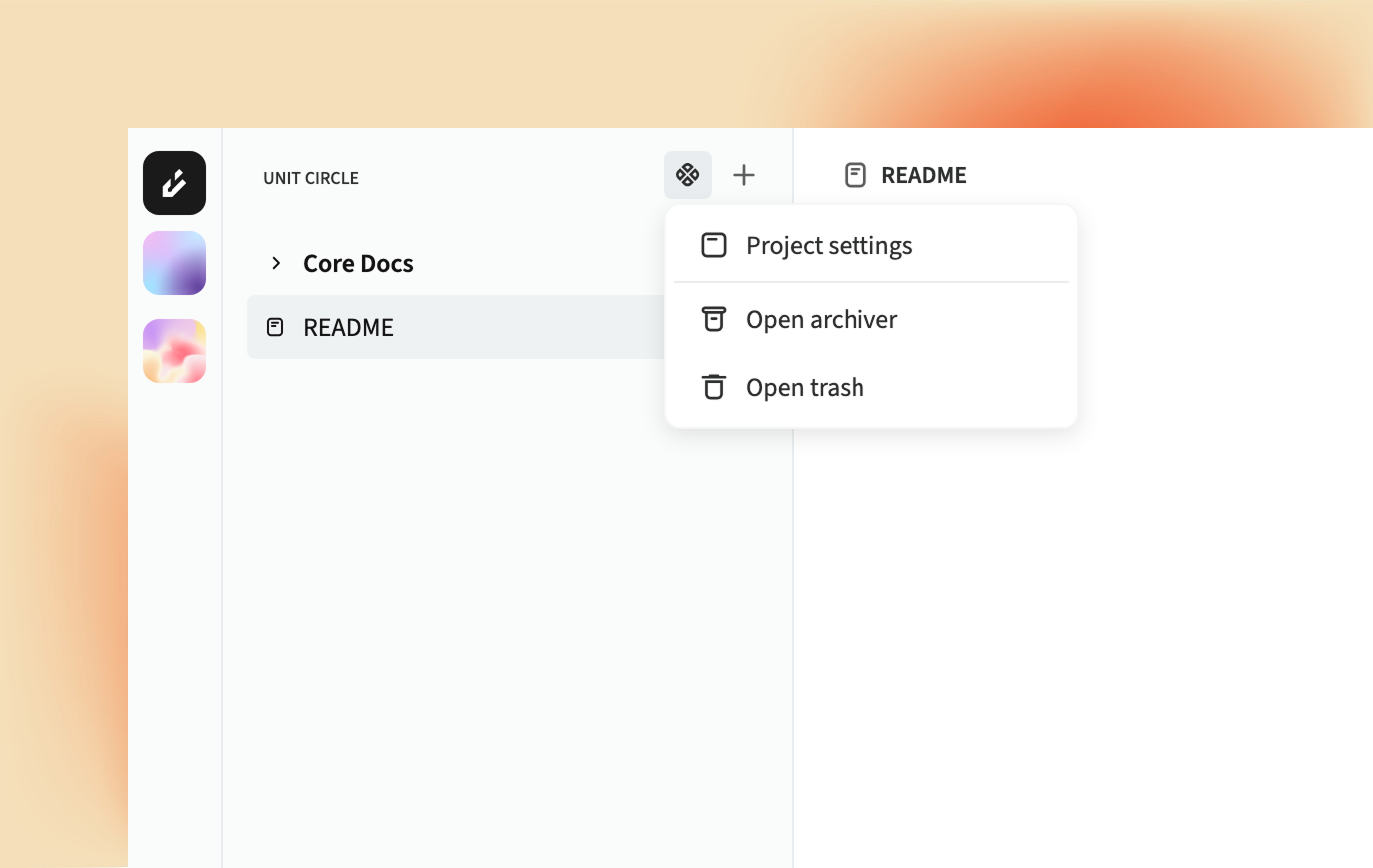 1. **Active**: The item is available and can be edited.
2. **Archived**: The item is archived and read-only.
3. **In Trash**: The item is in the trash, similar to a recycle bin.
If Items in the **archive** state can be restored or moved to the trash, or if tems in the **trash** state can be restored or permanently deleted. There are no limits on active, archived, or trashed items.
When an item is permanently deleted, it cannot be recovered. All encryption keys are destroyed, making the document unrecoverable.
1. **Active**: The item is available and can be edited.
2. **Archived**: The item is archived and read-only.
3. **In Trash**: The item is in the trash, similar to a recycle bin.
If Items in the **archive** state can be restored or moved to the trash, or if tems in the **trash** state can be restored or permanently deleted. There are no limits on active, archived, or trashed items.
When an item is permanently deleted, it cannot be recovered. All encryption keys are destroyed, making the document unrecoverable.