> ## Documentation Index
> Fetch the complete documentation index at: https://docs.orbivon.com/llms.txt
> Use this file to discover all available pages before exploring further.
# Create a new account
To access all features of the Orbivon, you must first create a user account. The sign-up process is simple, requiring only basic details and a quick email verification. This ensures both security and authenticity of your account. Here are the steps to sign up for a new account.
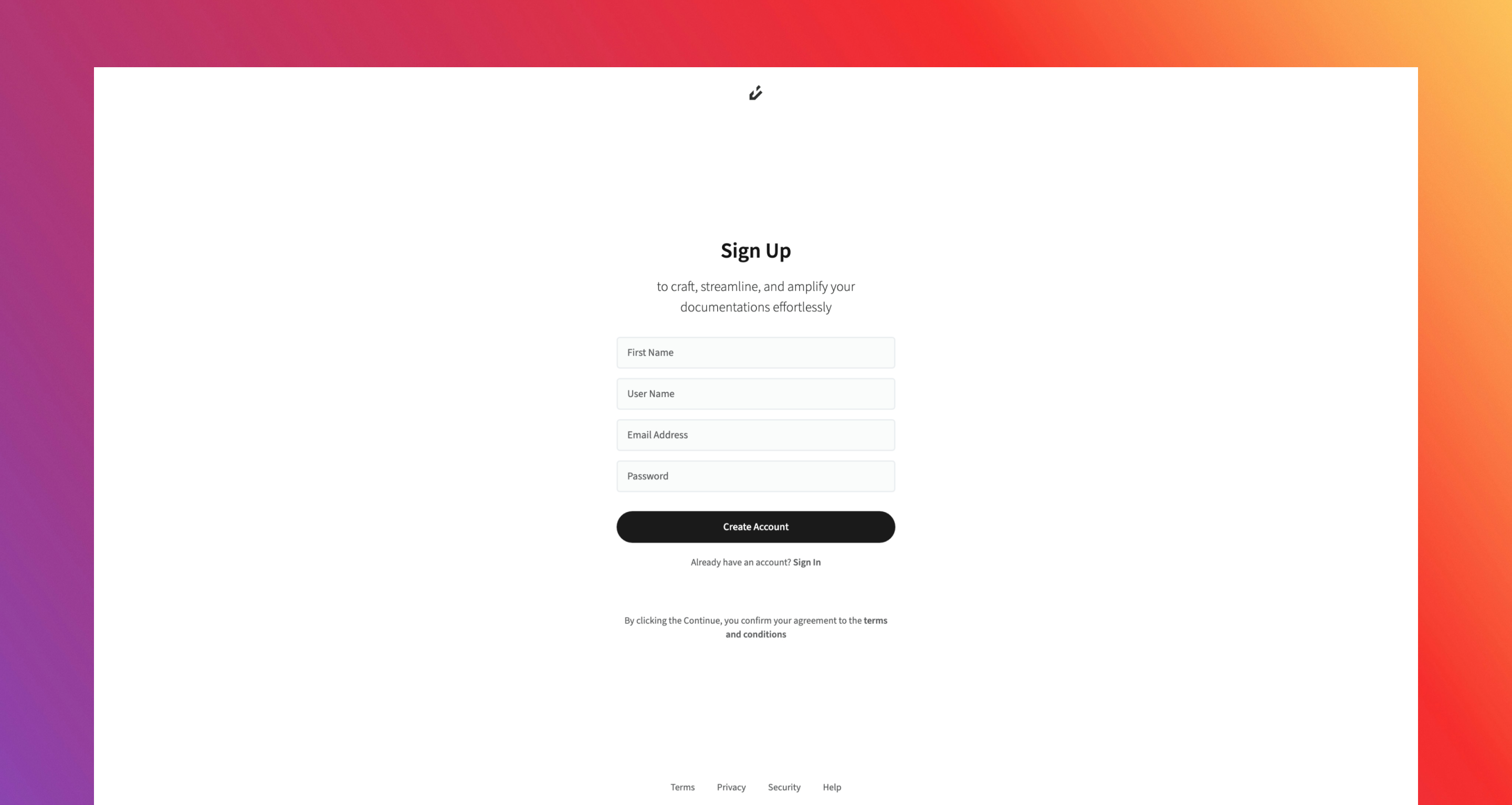 Open the application and go to the [Sign Up](https://app.orbivon.com/sign-up) page.
Fill in the required fields:
* **First Name**: Must be between **2–256 characters**.
* **Username**: Must be unique, **2–32 characters**, and follow these rules:
1. Start with a letter.
2. Can contain letters, numbers, underscores `_`), or hyphens `-`).
3. Must end with a letter or number.
4. Cannot use hidden reserved keywords (e.g., `system` ,`terms`).
* **Email Address**: Must be valid, **6–512 characters**, and match the format `username@domain.com`.
* **Password**: Must be **8–128 characters** long and meet all security requirements:
1. At least one uppercase letter.
2. At least one lowercase letter.
3. At least one number.
4. At least one special character `@$!%*?&-_. ,;:()[]{}<>+=`).
Once your information is entered, click the **Create Account** button. By doing so, you are automatically agreeing to our Terms and Conditions.
After submitting, you’ll be redirected to the **Verification Page**. At the same time, a verification email will be sent to your registered email address.
Check your **Inbox**, and if you don’t see it, also check your **Spam/Junk** folders. Enter the **verification code** from the email into the provided field.
If you didn’t receive the email, click **Resend** to generate a new one.
Once your verification code is confirmed, you’ll be redirected to a **Success Page**
Open the application and go to the [Sign Up](https://app.orbivon.com/sign-up) page.
Fill in the required fields:
* **First Name**: Must be between **2–256 characters**.
* **Username**: Must be unique, **2–32 characters**, and follow these rules:
1. Start with a letter.
2. Can contain letters, numbers, underscores `_`), or hyphens `-`).
3. Must end with a letter or number.
4. Cannot use hidden reserved keywords (e.g., `system` ,`terms`).
* **Email Address**: Must be valid, **6–512 characters**, and match the format `username@domain.com`.
* **Password**: Must be **8–128 characters** long and meet all security requirements:
1. At least one uppercase letter.
2. At least one lowercase letter.
3. At least one number.
4. At least one special character `@$!%*?&-_. ,;:()[]{}<>+=`).
Once your information is entered, click the **Create Account** button. By doing so, you are automatically agreeing to our Terms and Conditions.
After submitting, you’ll be redirected to the **Verification Page**. At the same time, a verification email will be sent to your registered email address.
Check your **Inbox**, and if you don’t see it, also check your **Spam/Junk** folders. Enter the **verification code** from the email into the provided field.
If you didn’t receive the email, click **Resend** to generate a new one.
Once your verification code is confirmed, you’ll be redirected to a **Success Page**