> ## Documentation Index
> Fetch the complete documentation index at: https://docs.orbivon.com/llms.txt
> Use this file to discover all available pages before exploring further.
# Sign in to your account
Once you’ve created your account, signing in is quick and straightforward. Follow these steps to access your account.
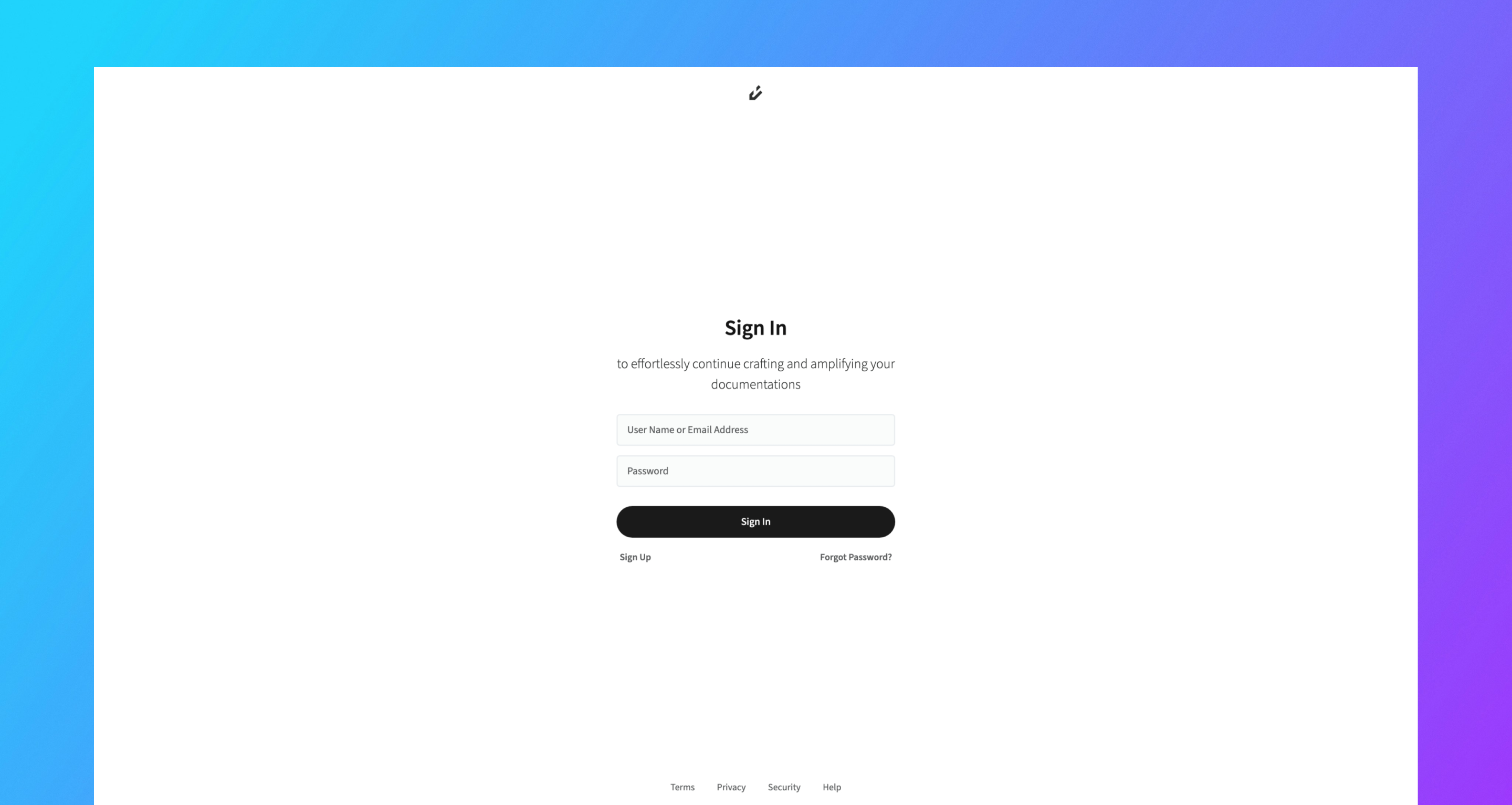 1. Navigate to the [Sign In](https://app.orbivon.com/sign-in) page.
2. You have two options for identification:
1. **Email Address** (the one linked to your account), or
2. **Username** (chosen during sign-up).
3. Click the **Sign In** button to continue.
If your credentials are **valid**, you’ll be securely signed in and redirected to your account. If your credentials are **invalid**, you’ll see an error message prompting you to try again.
1. Navigate to the [Sign In](https://app.orbivon.com/sign-in) page.
2. You have two options for identification:
1. **Email Address** (the one linked to your account), or
2. **Username** (chosen during sign-up).
3. Click the **Sign In** button to continue.
If your credentials are **valid**, you’ll be securely signed in and redirected to your account. If your credentials are **invalid**, you’ll see an error message prompting you to try again.